Schools
Built for both classrooms and mainstream players.
AstroStar is positioned to feel credible with educators while still reading like a game universe students actually want to spend time in. Use the inquiry form below — it is the primary way to reach the AstroStar schools team.
AstroStar Vocabulary Competition
Bring Vocabulary to Life in Three Simple Steps
Transform vocabulary practice into an engaging classroom experience. Teachers assign vocabulary, students prepare through cinematic gameplay, and then compete in the AstroStar Vocabulary Competition, inspired by the excitement of a spelling bee—except students define words instead of spelling them.
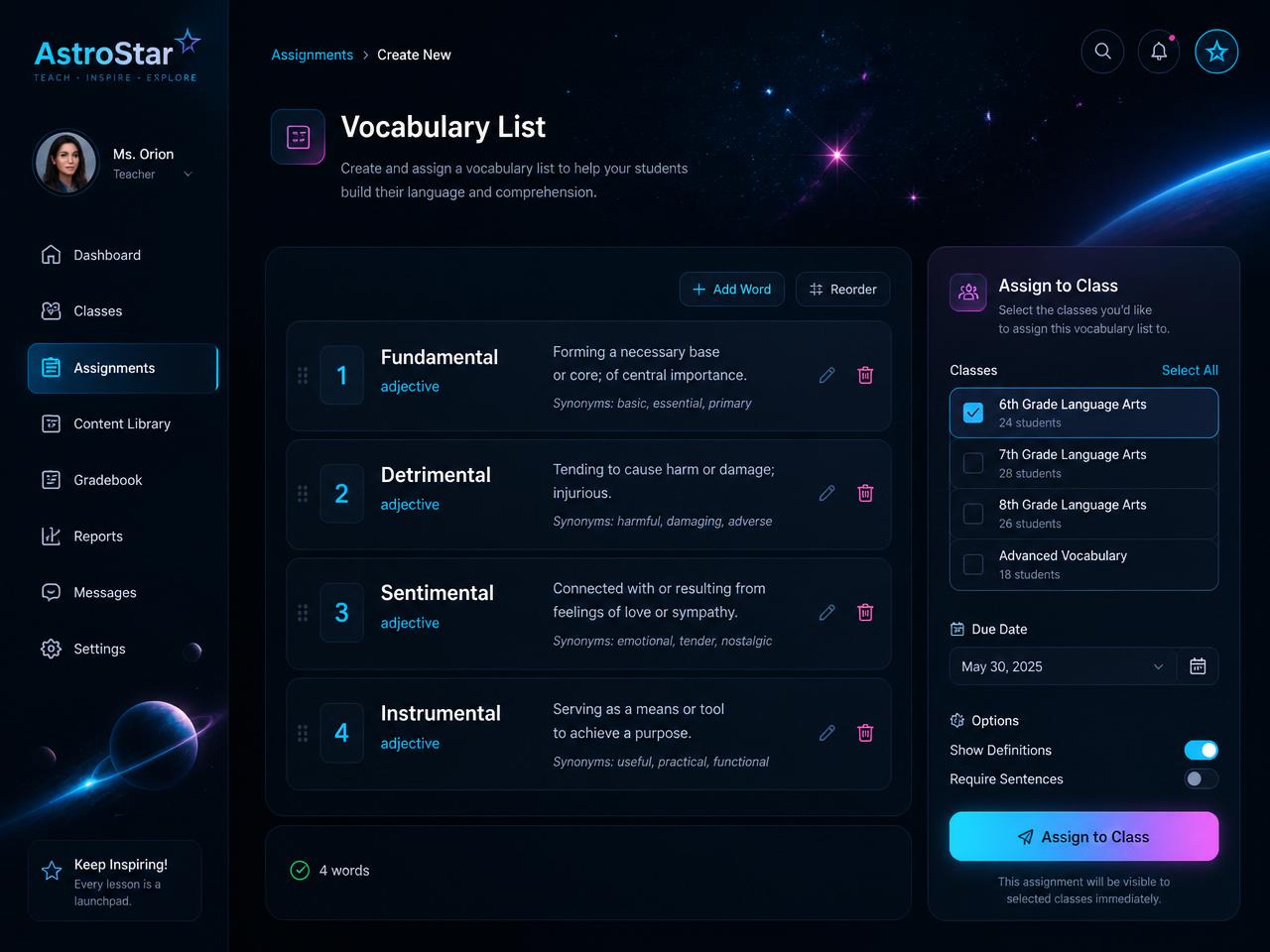
Assign Vocabulary
Assign the words your students need to master.
Upload your own vocabulary, choose from existing lists, or build a custom lesson in minutes. Teachers can easily prepare vocabulary for a weekly lesson, unit, or upcoming classroom competition.
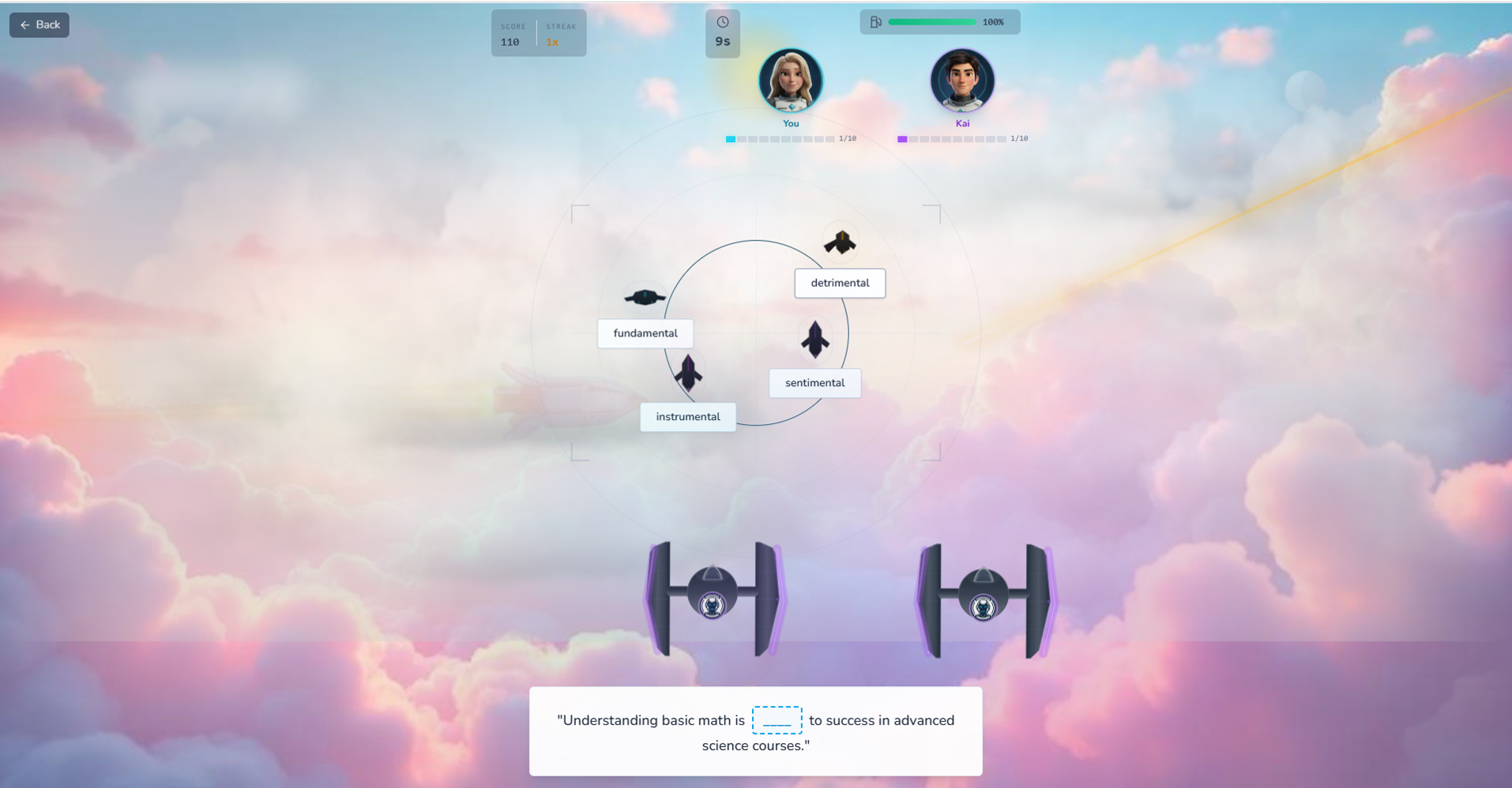
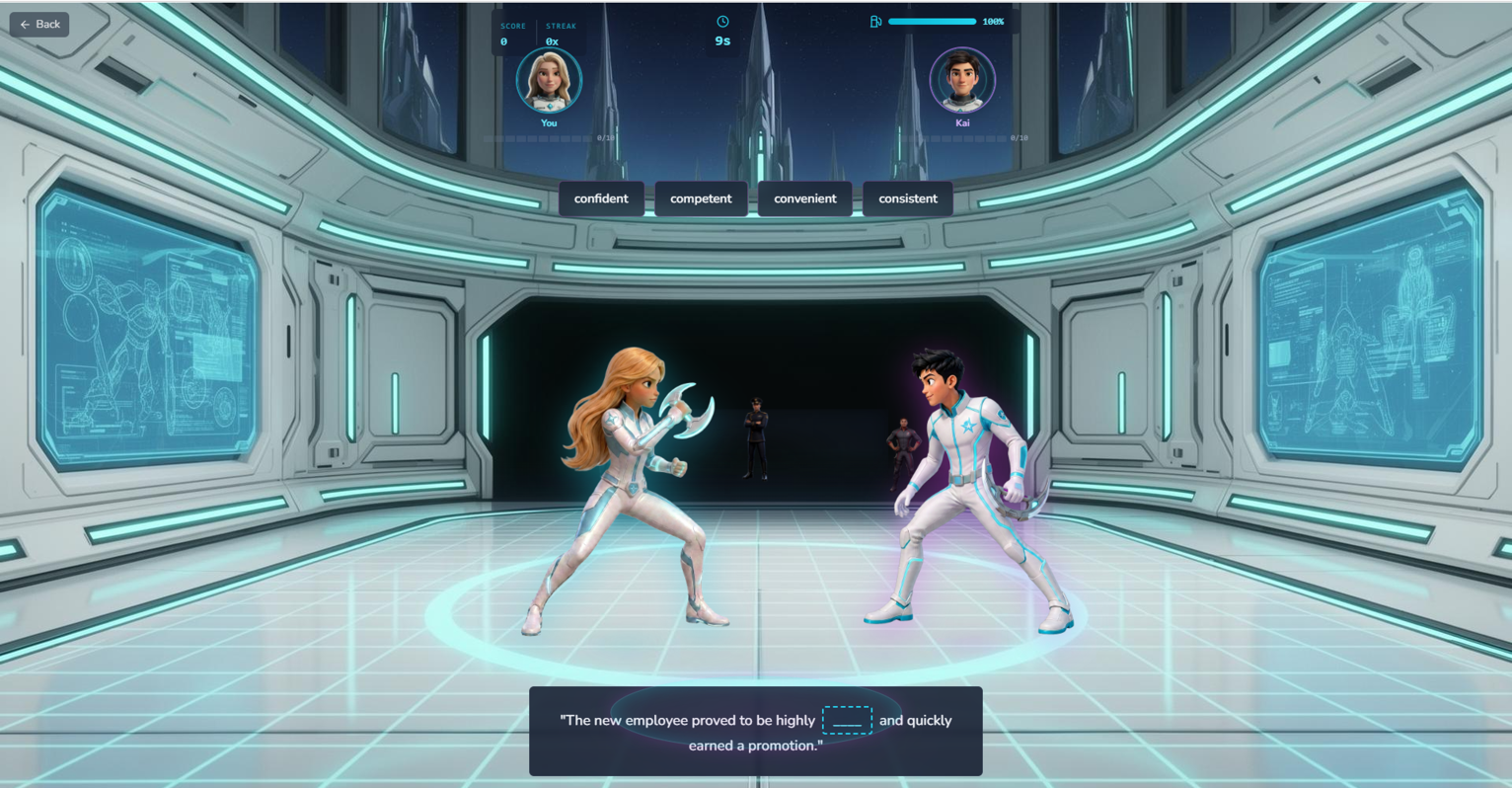
Practice
Students prepare through cinematic gameplay.
Students master vocabulary through cinematic flight missions, combat arenas, multiplayer competition, and quick review activities before competition day.
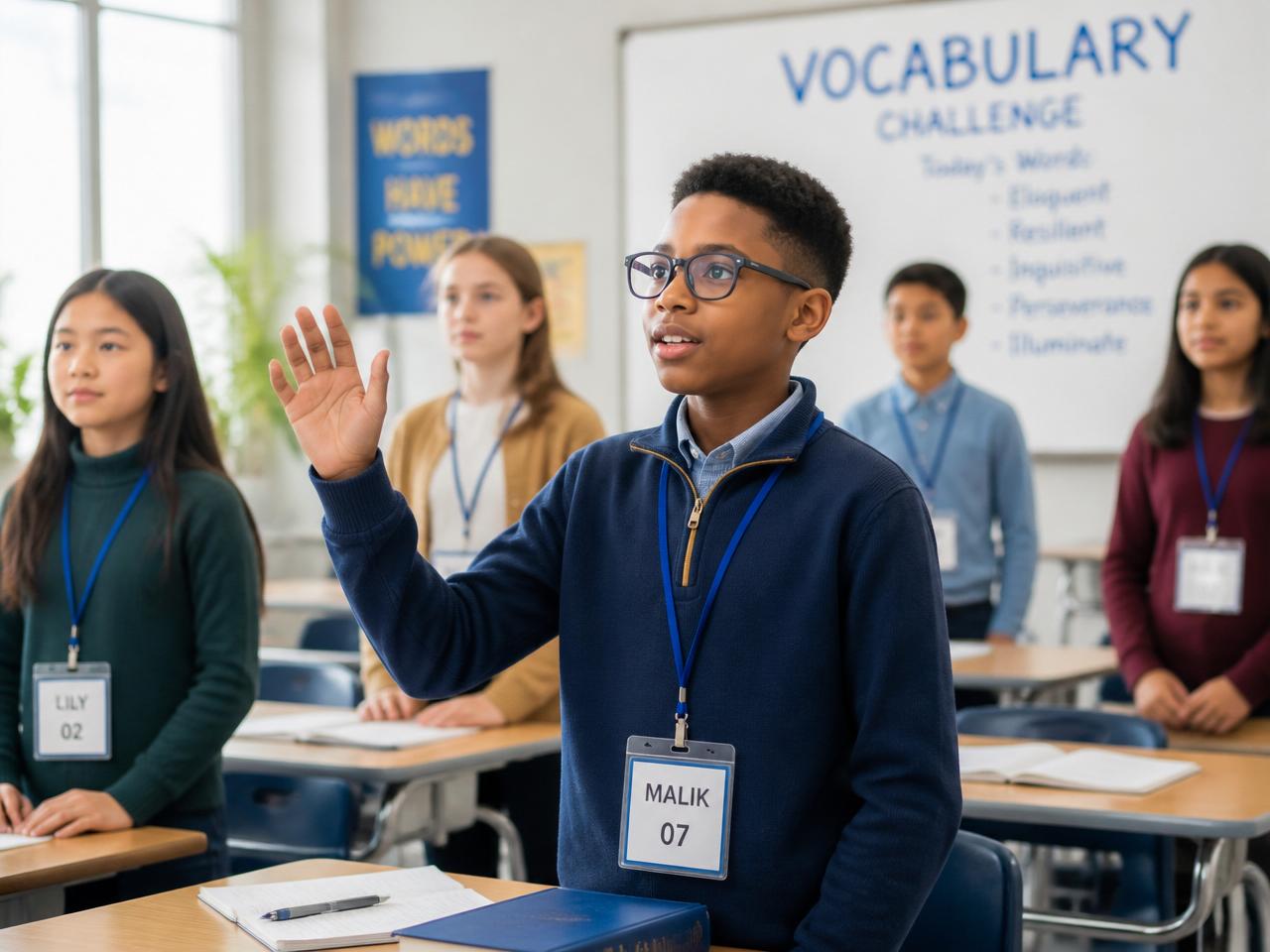
Compete
Host an AstroStar Vocabulary Competition.
Inspired by a spelling bee, students compete by defining vocabulary instead of spelling it. Students remain standing until they miss a definition. The last student standing becomes the AstroStar Vocabulary Champion. Teachers can use this as a weekly classroom activity, unit review, monthly championship, or even a school-wide AstroStar Vocabulary Competition.
Curriculum workflow
Turn Any Lesson Into a Cinematic Learning Adventure
Study Galactic lets teachers turn any lesson, chapter, or worksheet into a playable cinematic campaign — then watch their class fly through it together.
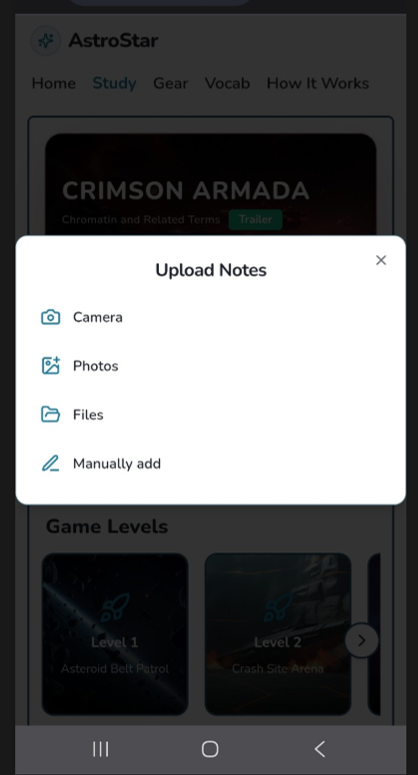
Upload Curriculum
Bring any lesson into AstroStar.
Snap a photo of a worksheet, textbook page, or lesson notes — or upload a document directly. Study Galactic accepts the material your classroom already uses.
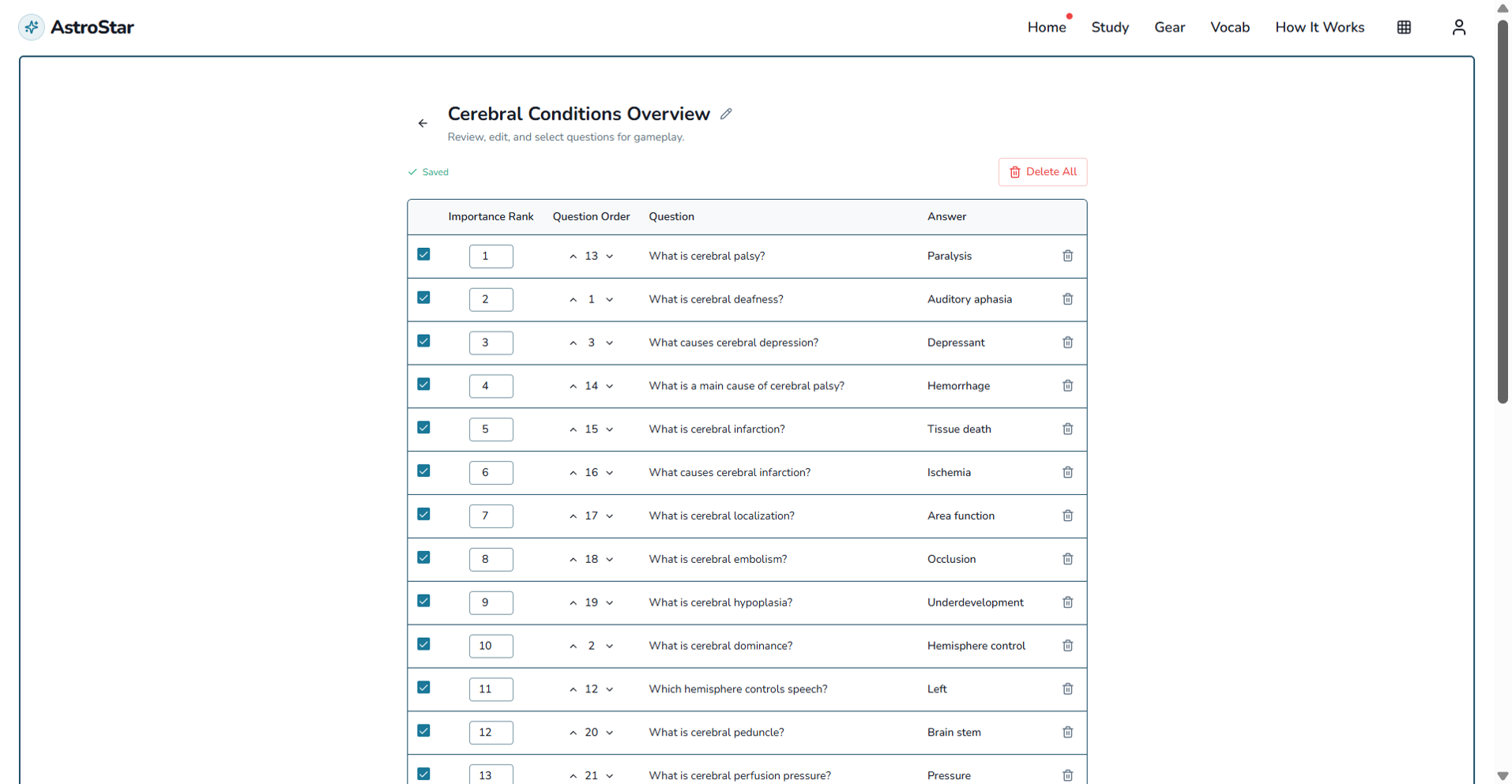
Build Your Campaign
Review the mission questions before students play.
Curriculum is shaped into a set of cinematic mission questions. Teachers can review, edit, and confirm the material before launching the campaign to their class.
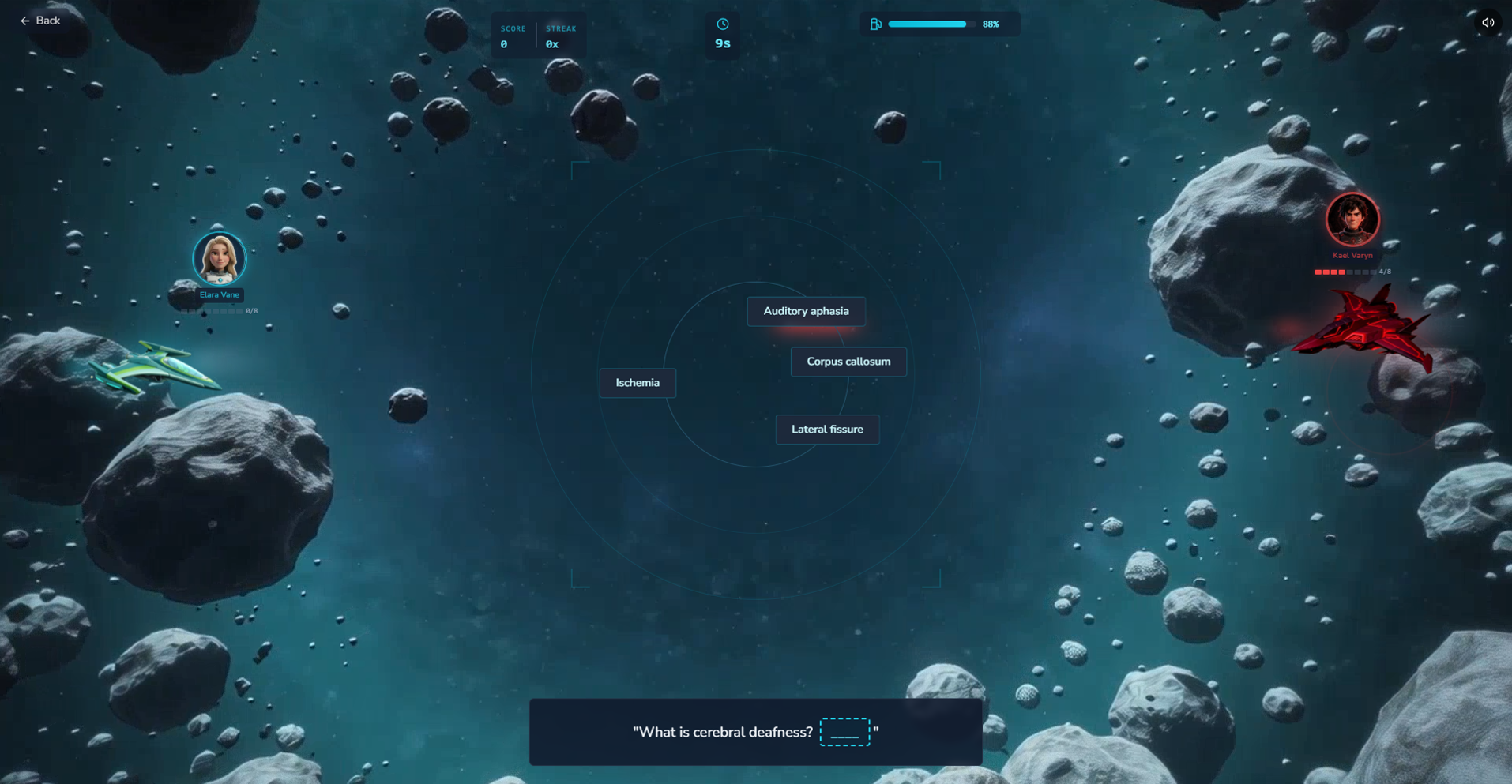
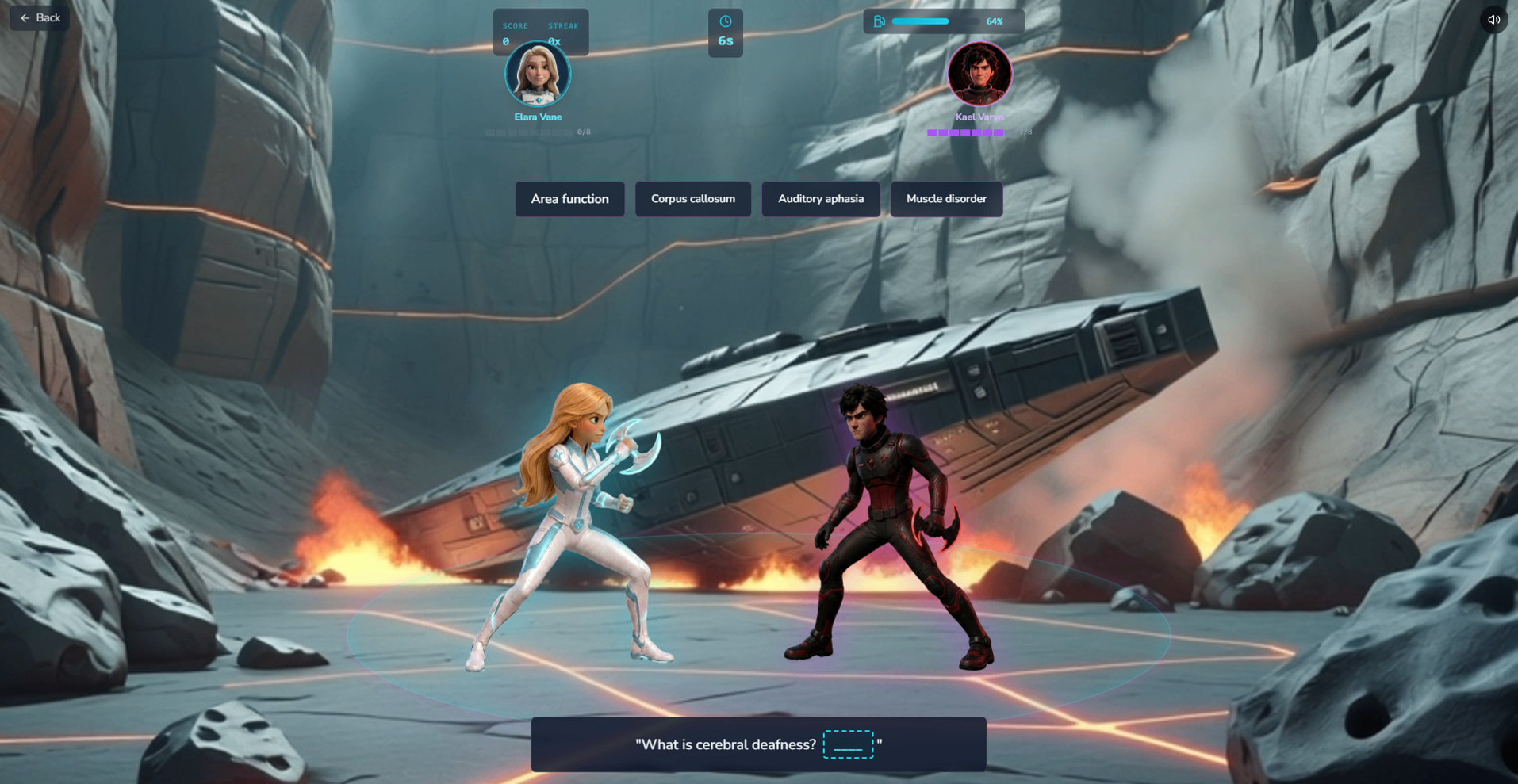
Learn Through Adventure
Students experience the lesson, not just read it.
The lesson becomes a playable cinematic campaign where students complete flight missions, battle through combat arenas, and answer curriculum questions as the story unfolds. Learning becomes part of the adventure instead of another worksheet.
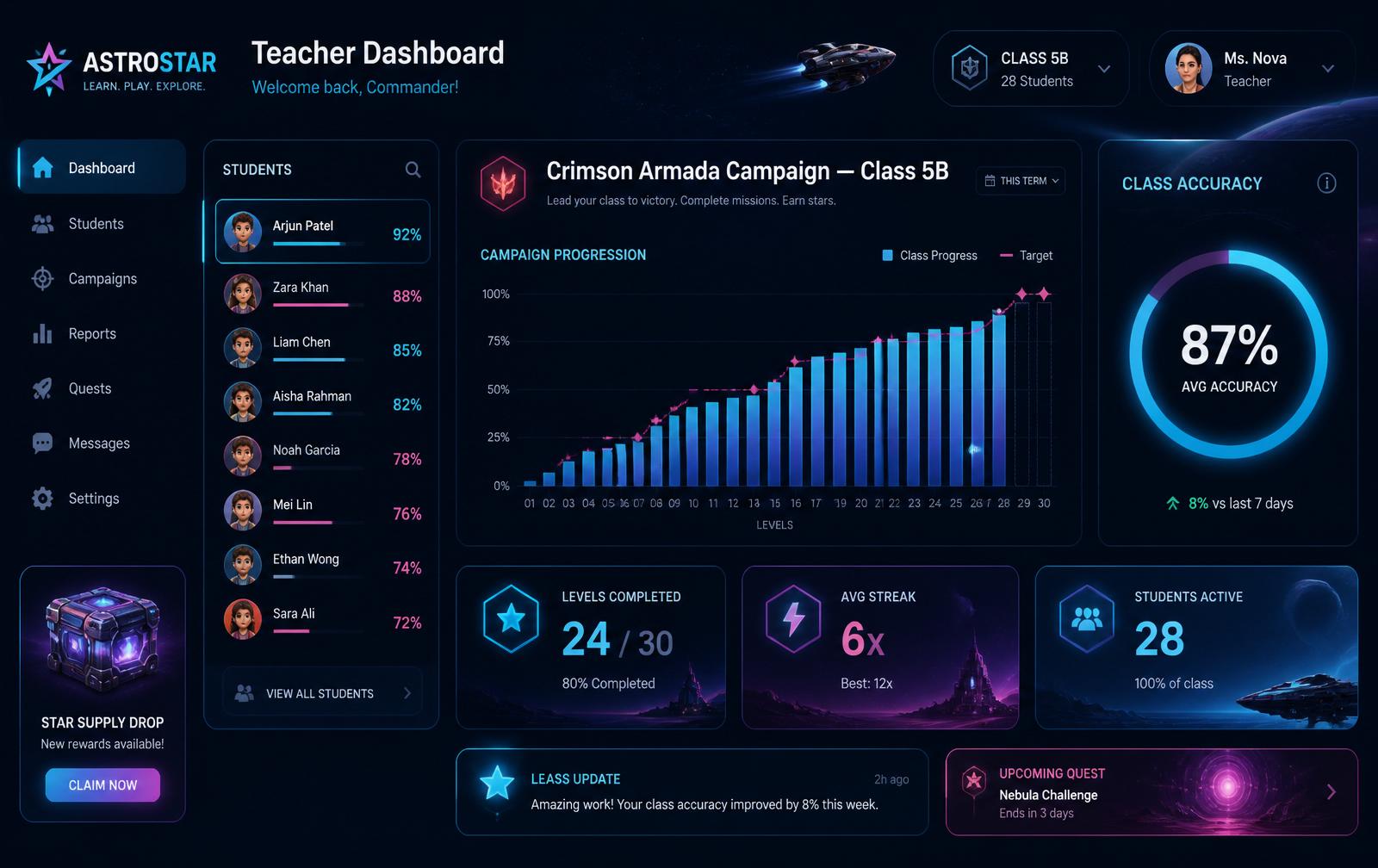
Review Class Performance
See how your class is progressing at a glance.
A teacher dashboard tracks campaign progression, class accuracy, streaks, and per-student mastery — giving educators the visibility they need without breaking the cinematic feel for students.
Get in touch
Talk to the AstroStar schools team.
Tell us about your classroom, pilot program, or upcoming vocabulary challenge using the form below. If you'd prefer to speak with us directly, our contact information is available below the form. We reply personally to every school inquiry.
Interested in bringing AstroStar to your school or scheduling a demo?
We'd love to hear from you and answer any questions you may have about implementing AstroStar in your classrooms.